What's New in CyberStrong 4.22: Reusable Bowtie Models, Smarter Workflows, and Cleaner Data
CyberStrong 4.22 makes risk models easier to reuse and keeps your data accurate as it changes. You can now create and import Bowtie risk, risk-factor, and impact templates, and Bowtie details now appear across your reports. Workflows respond the moment asset-group attributes change.
This release also gives administrators finer control over scoring, adds re-evaluation forms for asset groups, and lets authorized users delete findings created in error. Each update below starts with the gap it closes.
Bowtie Risk Templates and Reporting
A good Bowtie model should be built once and reused everywhere. Until now, template imports were too rigid; several reports lacked Bowtie details, and imported impact calculations didn't always use your configured ranges.
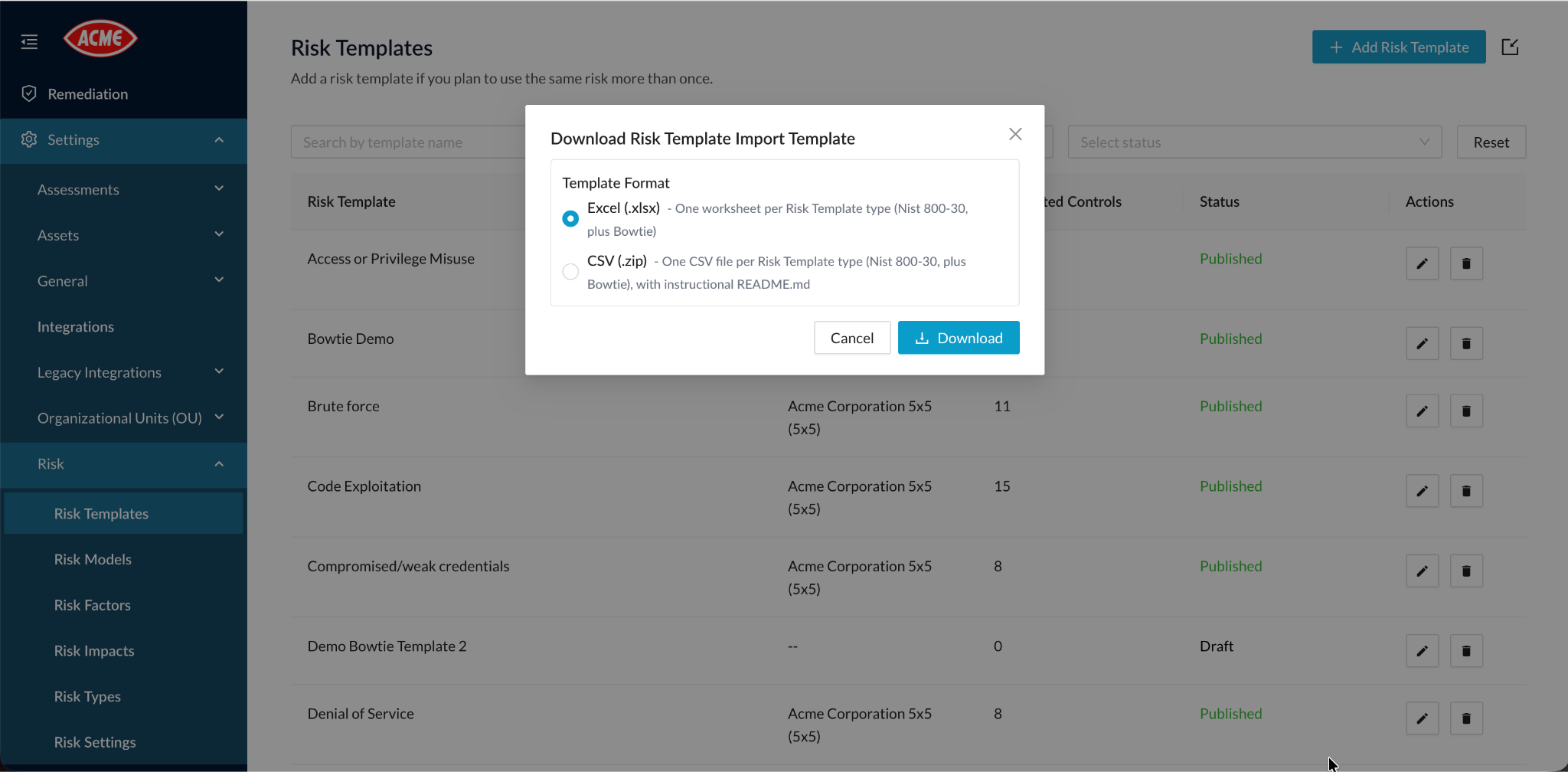
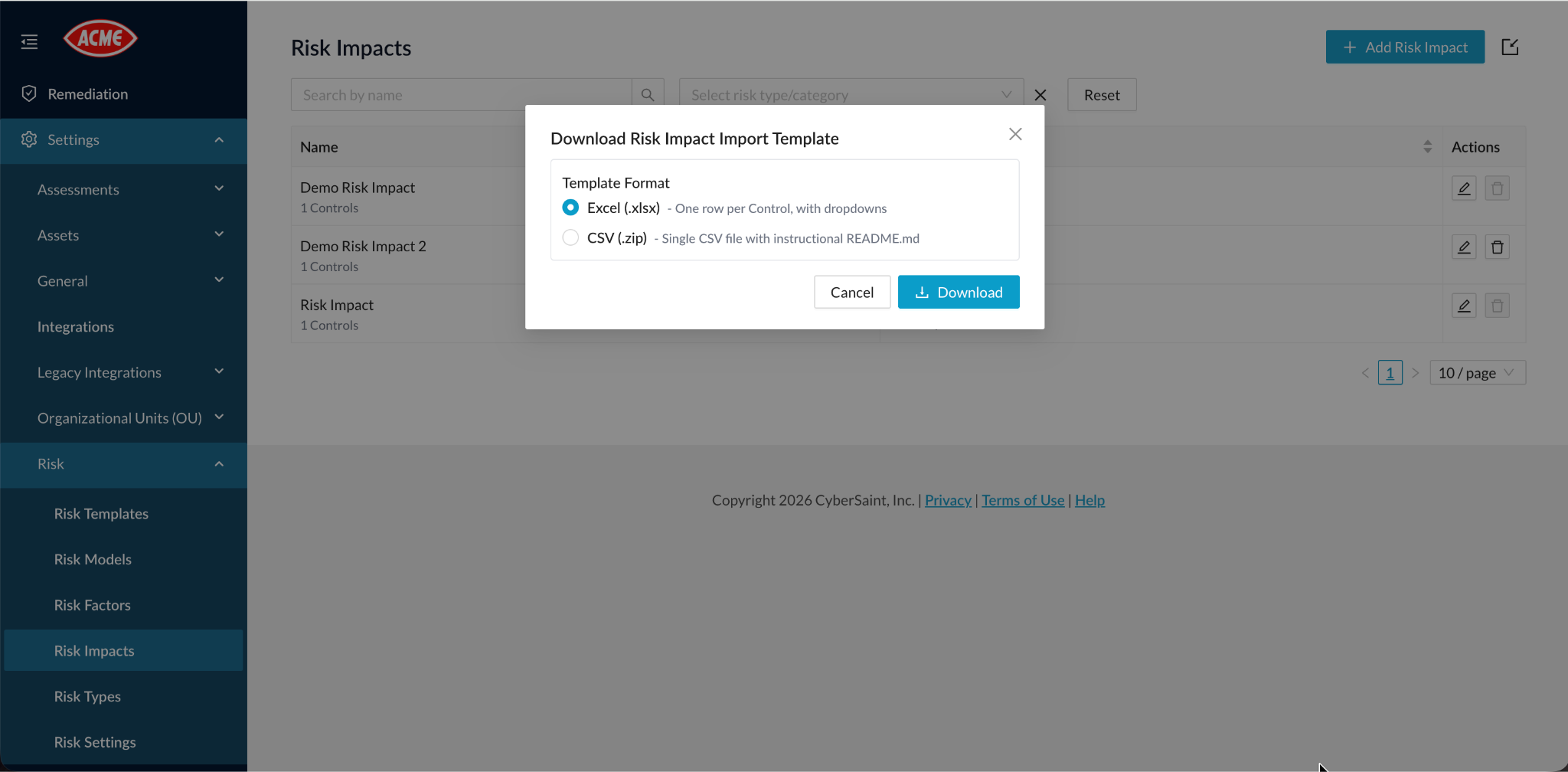
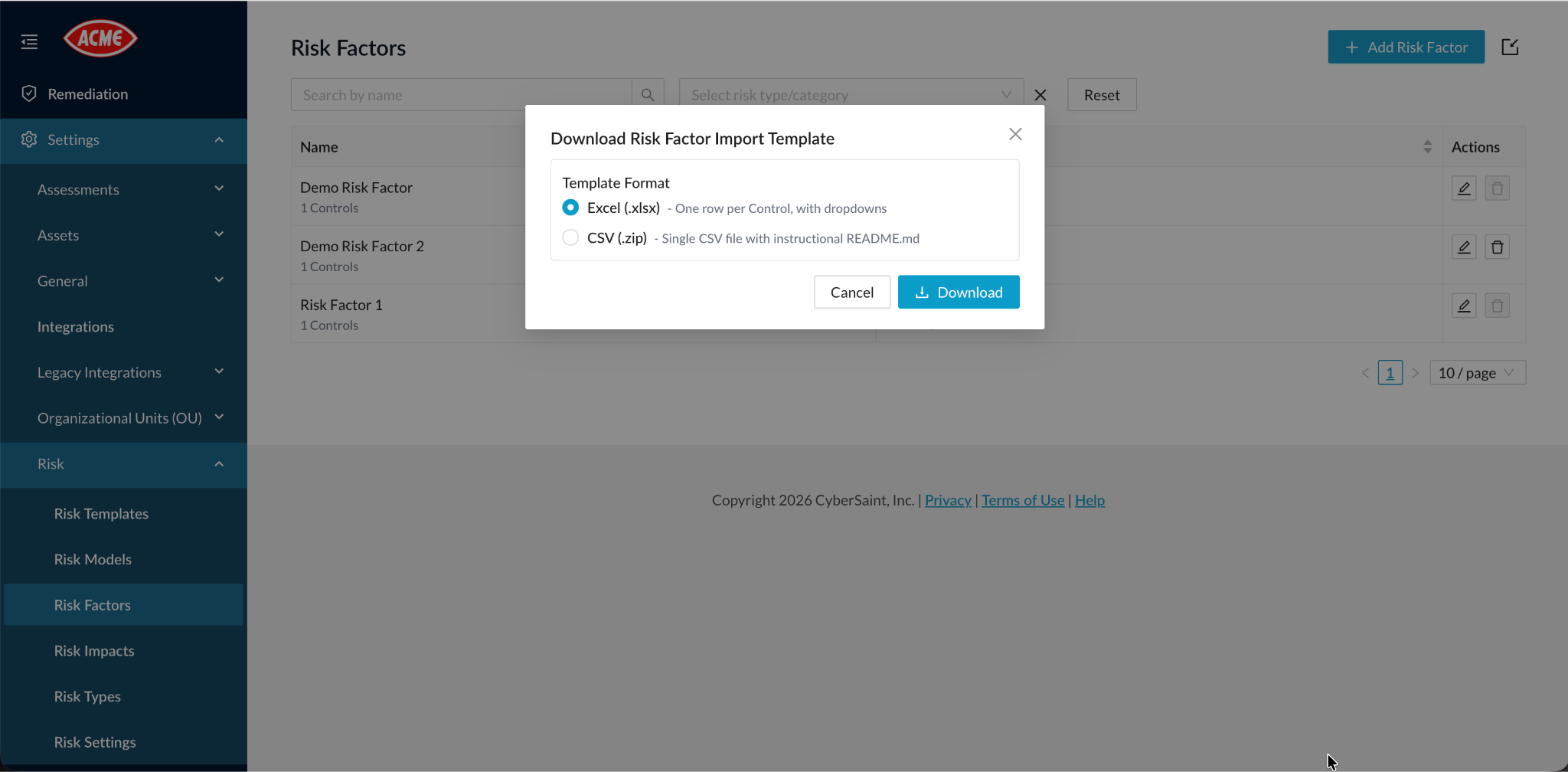
In 4.22, you can create and import reusable Bowtie risk, risk-factor, and impact templates. Imports are validated and support custom impact ranges, so calculations follow the ranges your program defines.
Bowtie details now appear in global risk, assessment, remediation, asset-group, and user reports.
Related updates keep that data accurate:
- Decimal scores and weights are preserved.
- Control details land in the correct report columns.
- Reports use your configured currency.
- Risk creation supports models without secondary impacts.
- Notifications cover changes to risk factors, impacts, and secondary impacts.
Re-evaluation and Onboarding Forms
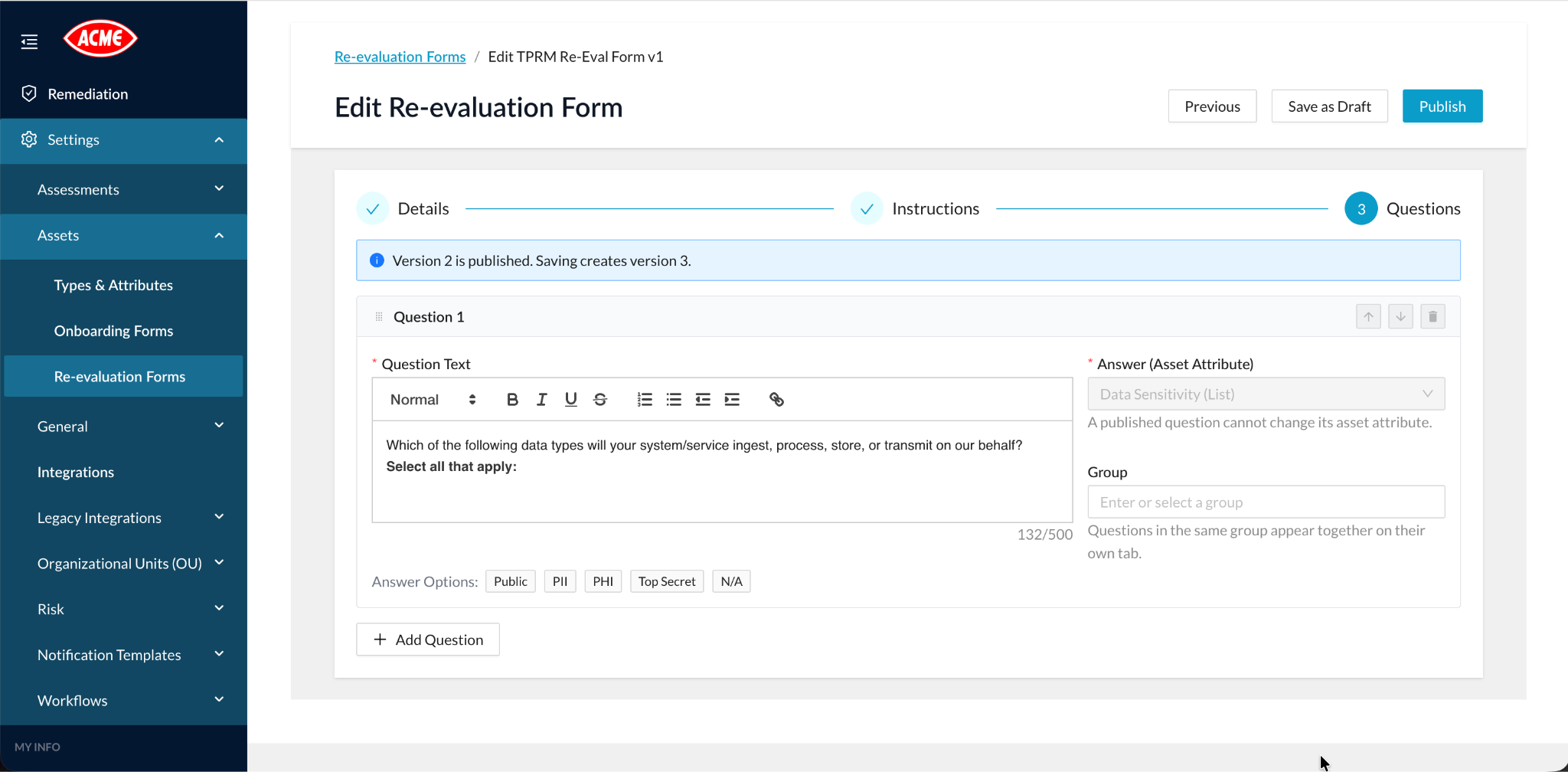
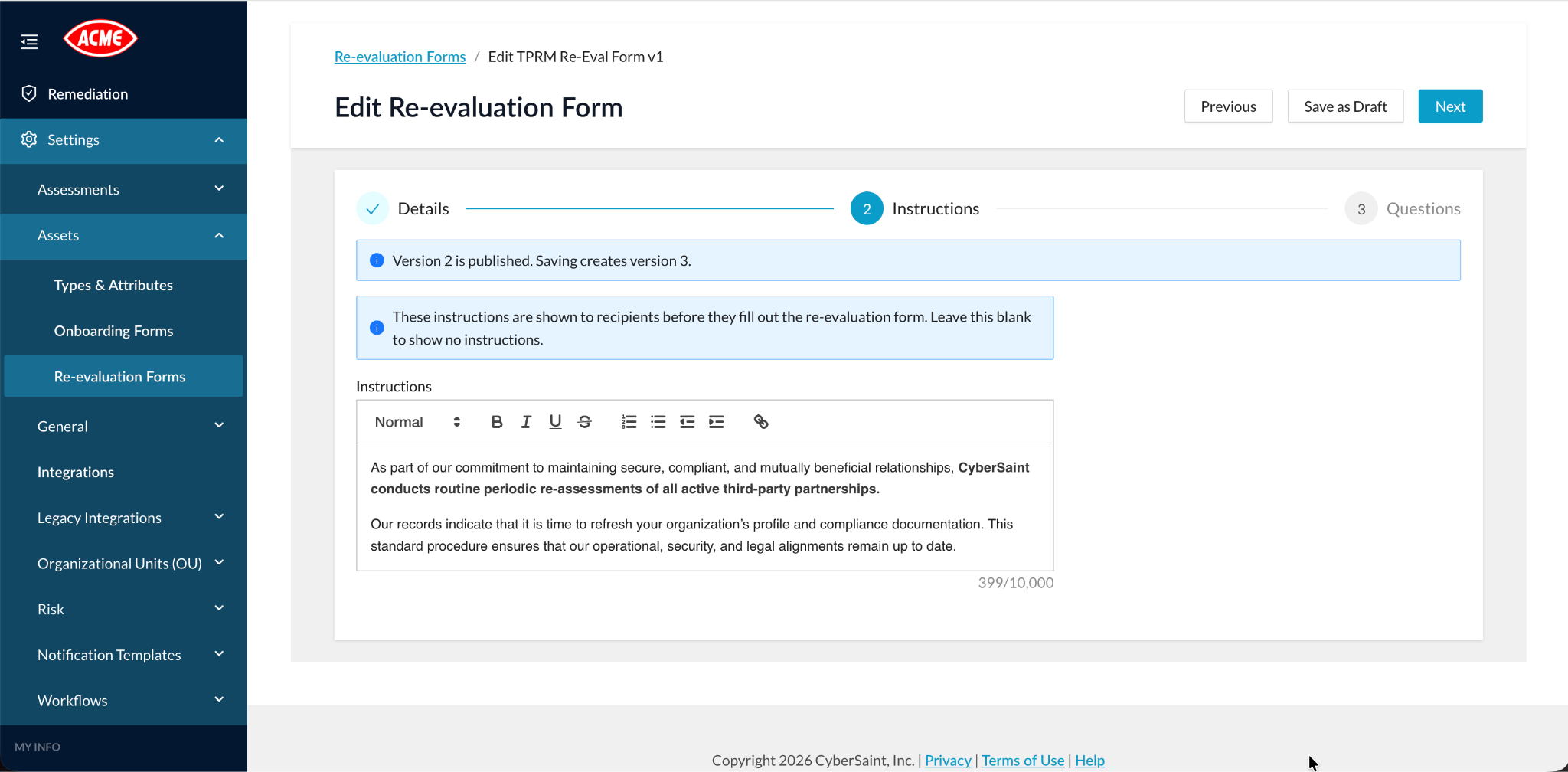
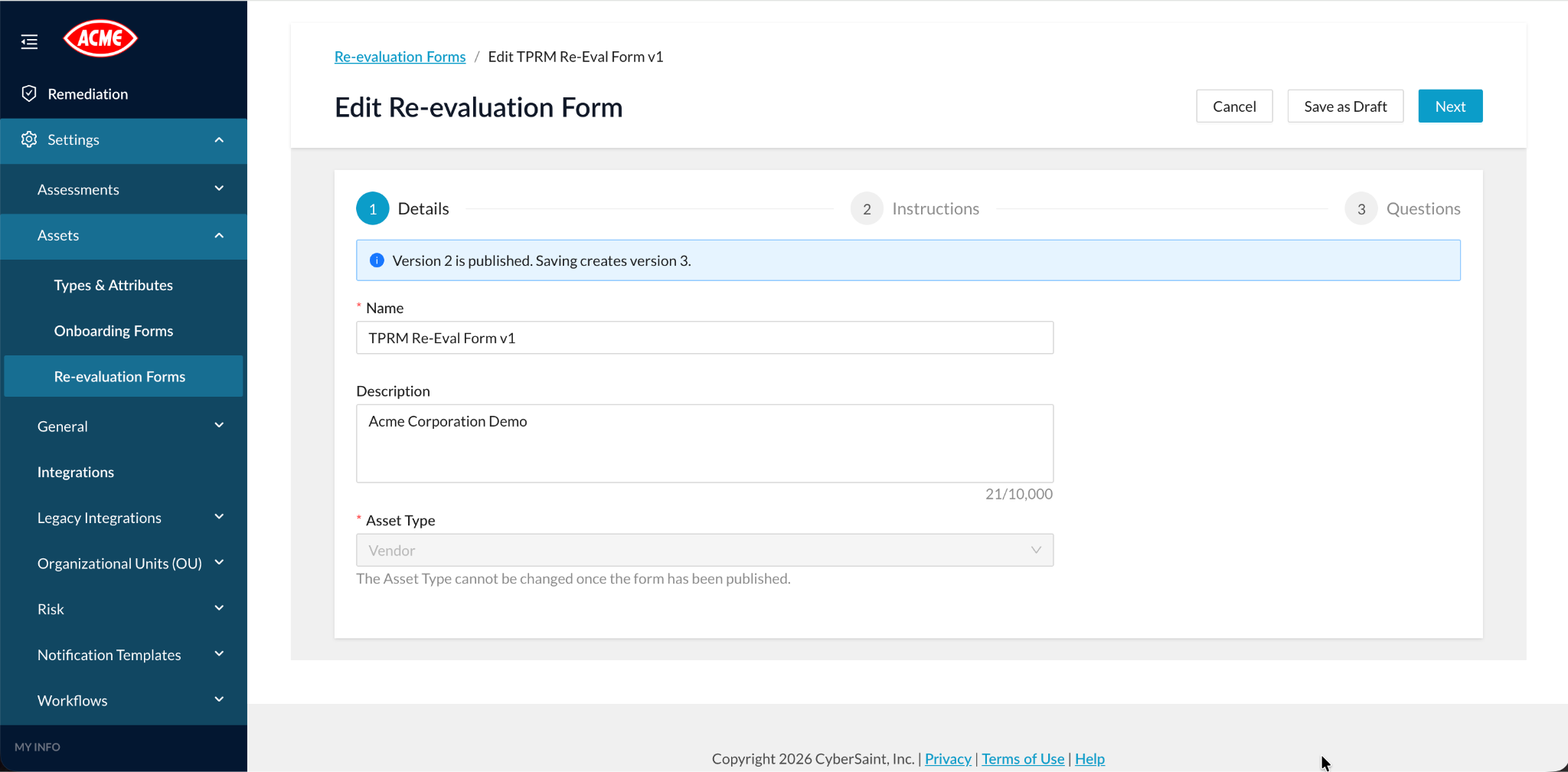
Asset-group information goes stale. Re-evaluation forms give you a structured way to refresh it on a regular cadence.
You can define re-evaluation forms for specific asset types, with instructions and grouped questions. Draft and published versions, plus version history, let you refine a form without disrupting the one in use. Published versions protect consistency: the asset type and existing question attributes are locked, and existing questions cannot be removed. Each attribute appears only once per form.
Onboarding forms get more focused too. Authors can hide individual attributes, and CyberStrong hides calculated fields and dependent attributes automatically where applicable. Recipients see only the information they need to provide.
Score Model Requirements
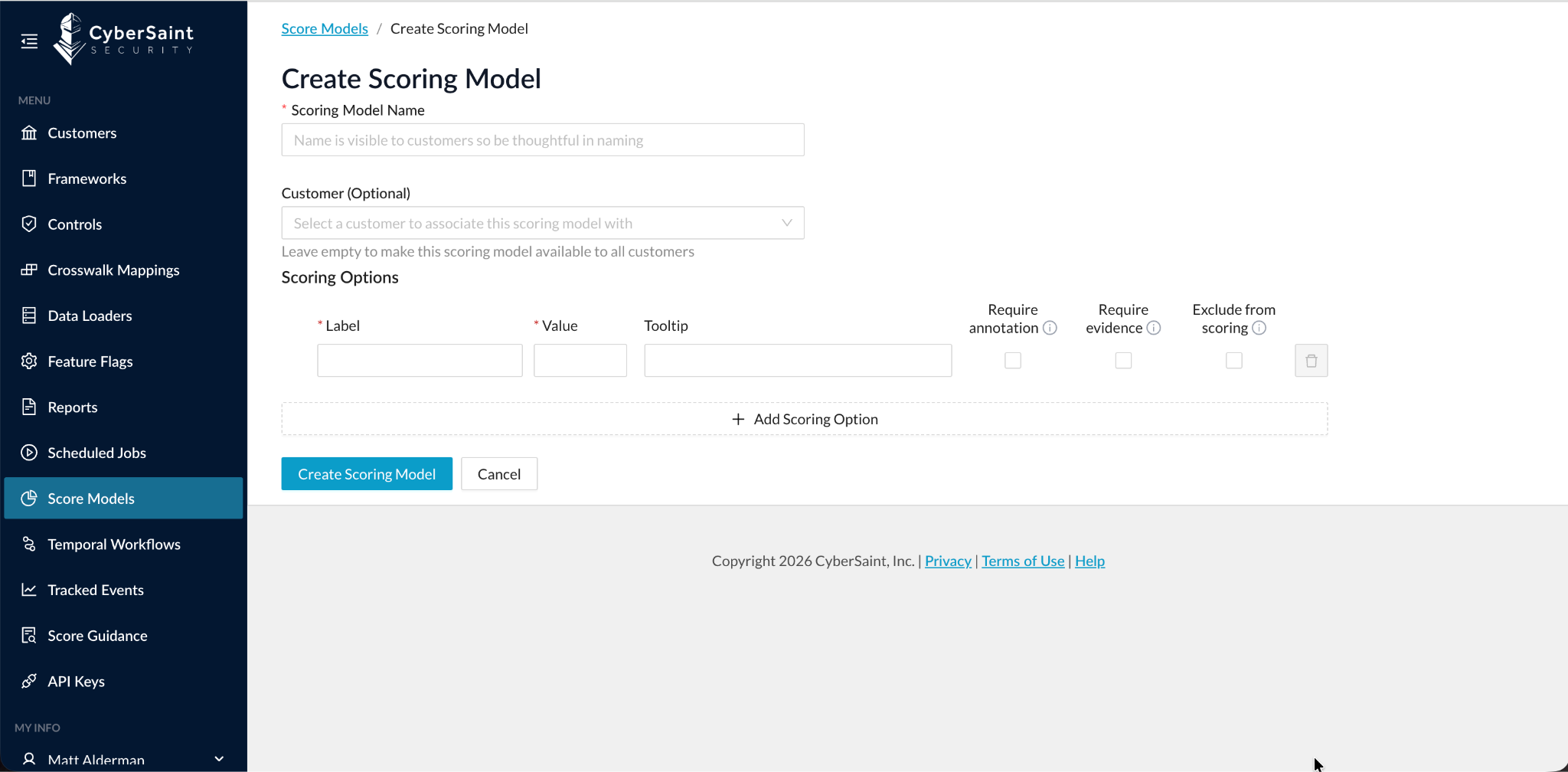
Some answers need more support than others. Score models can now enforce that at the level of each answer.
When creating or editing a score model, global administrators can set individual score values to require an annotation, require evidence, or be excluded from scoring. Assessors know exactly what each answer demands, and scores reflect only the values meant to count.
Two things to know: changes apply to every organization that shares the score model, and these settings do not add, remove, or relabel existing score values.
Event-driven Workflows
Workflows should react when your data changes, not on the next manual check. 4.22 makes that possible for asset groups.
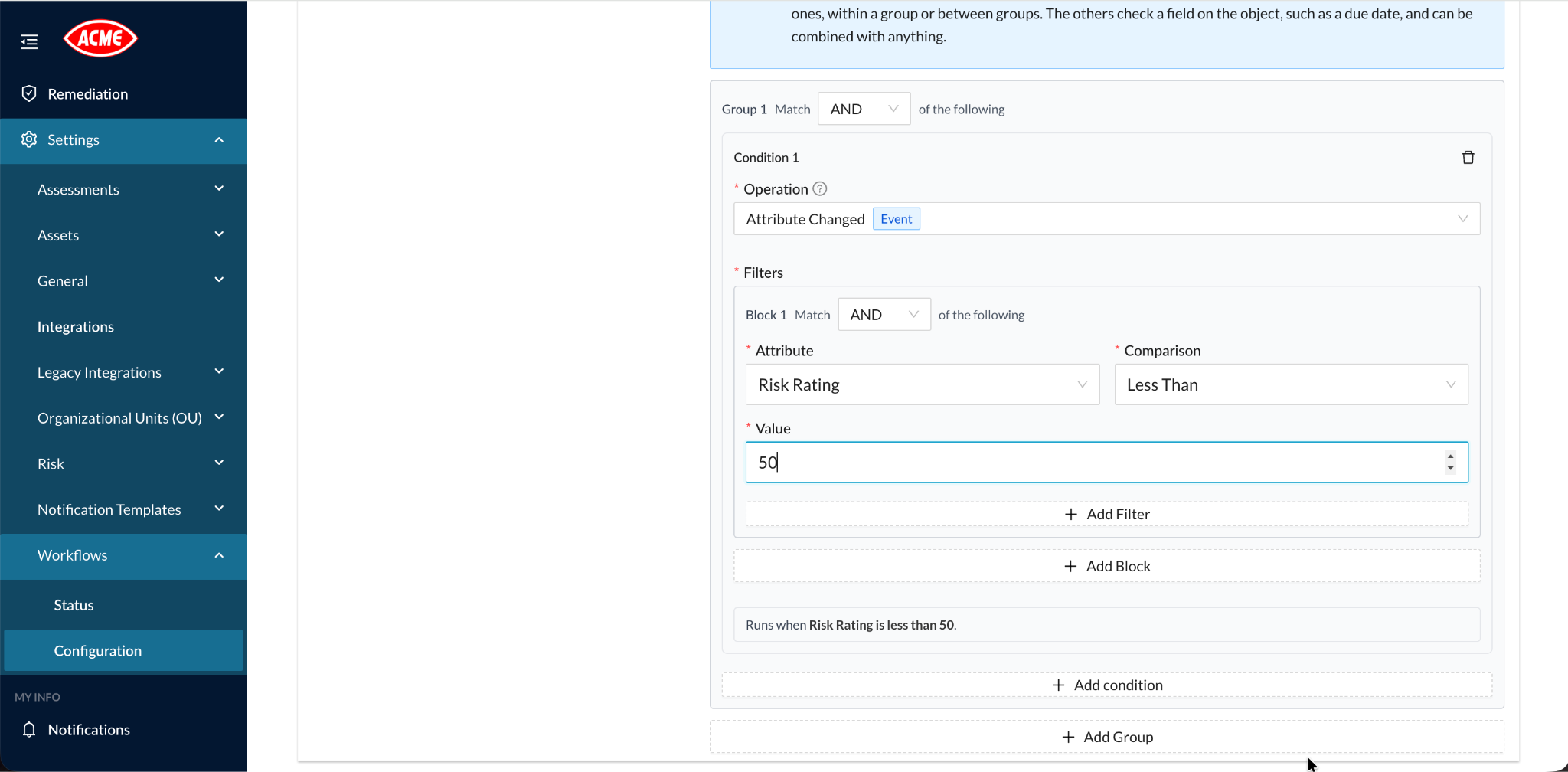
Workflows can now trigger when asset-group attributes change, and conditions can be combined with AND or OR. Four new operators handle list and multiselect values precisely:
- Contains Any: at least one of the selected values is present.
- Contains All: every selected value is present.
- Contains None: none of the selected values are present.
- Contains Exactly: the values match the selection exactly.
A few rules apply. Contains All is unavailable for single-value lists. Unset attributes do not satisfy any of these conditions, including Contains None. Email, multi-email, and risk-industry attributes are excluded from list conditions.
Finding Deletion
A finding created or imported in error is not a finding to close. It is one to remove.
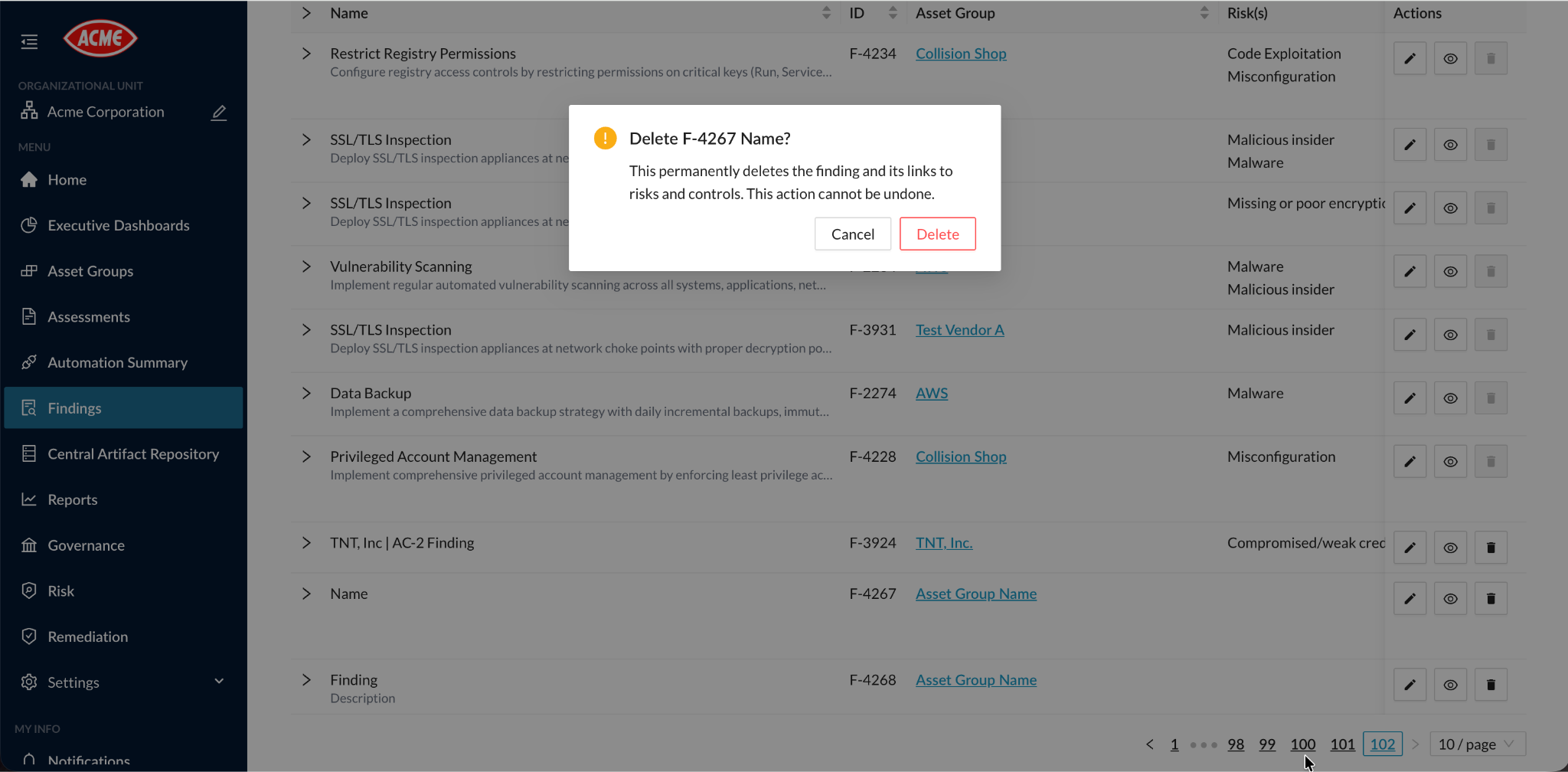
Users with the dedicated Delete Finding permission can now delete eligible findings from finding lists and from the finding edit page. A confirmation step comes before every deletion, because deletion is permanent and removes the finding's associated risk and control links.
Scope is deliberate:
- Deletion applies to Manual and Frontier Model Assessment findings. AI-generated findings are closed instead.
- Findings are deleted one at a time; bulk deletion is not available.
- Re-uploading a Frontier file may recreate a deleted finding.
Additional Improvements
4.22 also includes refinements across notifications, performance, integrations, and access:
- Notifications: Asset-group notifications can go to recipients stored in email and multi-email attributes. Workflow notification emails use your organization's branding. Nightly vulnerability notifications are sent only when findings exist or a scan fails.
- Performance: Control and framework lists load faster, with more reliable pagination, totals, sorting, and large-framework loading.
- Policy results: Asset-group policy results, exemption history, and crosswalk recalculation are more consistent.
- Assessments: Edits stay intact during a delayed refresh, and attribute associations can be selected while the full list loads.
- Automation: Filters support negative integer values, and Bowtie and assessment workflows select the correct branch.
- Integrations: Additional Microsoft Defender asset mappings, more reliable handling of incomplete Entra ID policy data, and fewer blocked Qualys Azure policy transfers caused by oversized descriptions.
- Access: Organization-specific links direct multi-organization users correctly, and global administrators keep their access when switching organizations through single sign-on.
- IPv6: Full-length IPv6 addresses are handled correctly during login and API-key activity tracking.
See CyberStrong 4.22 in Action
Every update in 4.22 serves one goal: risk data you can reuse, act on as soon as it changes, and trust when it reaches a report.CyberStrong customers can explore these updates now.
Contact your Customer Success Manager for a walkthrough.
New to CyberStrong? Request a Demo to see how the platform connects your security data to the decisions that matter.